
To use feedbuzzard home, open feedbuzzard.com and work from the menu: Tech, World Tech and Wearable Tech, plus About Us and Contact. It is a technology news site with its tagline, “tech content that keeps your audience buzzing”, and the steps below show how to browse it and reach the team.
| What is the site? | A technology blog with Tech, World Tech and Wearable Tech sections. |
| What does the home page show? | Dated articles, with newer ones from November 2026. |
| How fast does it say it replies? | The Contact page says usually within one business day. |
| Does it accept every message? | No; it says it replies only to relevant propositions. |
| Is a postal address shown? | One appears in the footer, in an unusual format. |
Step 1: How do you open the feedbuzzard home page?
Type feedbuzzard.com into the address bar rather than following a search result that might be a look-alike. The browser tab should read Home – Feedbuzzard, and the top of the page shows the name Feedbuzzard with the tagline about content that keeps your audience buzzing.
The site’s short description promises the latest in tech, world innovations and wearable gadgets. That matches the menu, so a mismatch between the two is a hint that you are on the wrong page.
Step 2: How do you find what is newest on feedbuzzard?
The home page lists articles with dates in a simple feed. At the time of reading the newest visible posts were dated 18 and 19 November 2026: one on why motor placement matters on an electric dirt bike, and one listing ten animation software picks for beginners. Older items run back to September 2026.

Read the date under each title, then open the one you want. A World Tech post on the future of smartphones, credited to Heather Armiger, carries a September 2026 date and a statement about 2026 shipments; treat figures like that as the article’s own claim and check them against a market tracker before quoting.
Step 3: How do you search the feedbuzzard tech archive?
The site has an article titled How to Search the FeedBuzzard Tech Archive, dated 17 September 2026. It is one of the pieces a reader is directed to, but its text was not read. A search box and a View All Result control appear in the page frame, so a keyword search is available.
- Click the search control in the header.
- Type a short phrase such as a device name.
- Pick the section that fits: Tech, World Tech or Wearable Tech.
- Check the date before relying on specs or prices.
Step 4: What do the three feedbuzzard sections hold?
The menu keeps topics apart. Tech is the general section, and the home page shows it with the dirt bike, animation software and archive items. World Tech looks at broader developments, such as the smartphone industry piece, which says worldwide shipments will fall by about 12 percent in 2026. Wearable Tech is the third section, aimed at gadgets worn on the body, though no wearable article was visible in the text read.
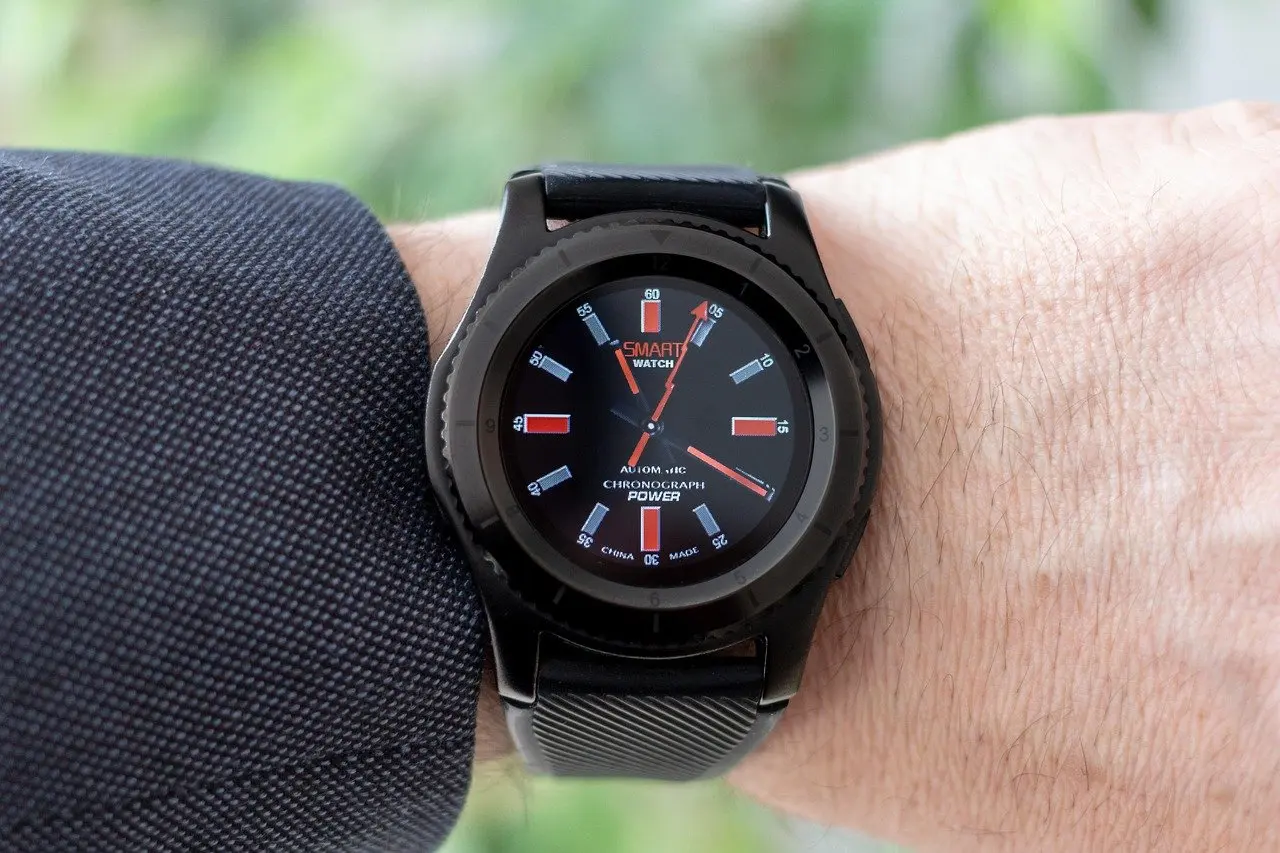
When you scan a section, check whether an item has a named author. The smartphone piece shows Heather Armiger as author, while the Tech items in the feed show no byline in the text read.
Step 5: How do you contact feedbuzzard about a story?
Open Contact from the menu. The page asks for feedback through a form and also lists an email address. It asks you to mention the site name, feedbuzzard.com, in the body of an email. The form has first name, last name, email, message and website fields.
The page says the team reads every email and usually replies within one business day, but adds that because of high inquiry volumes it can reply only to relevant propositions. Keep messages short and specific: name the article, say what you want changed or asked, and avoid sales pitches.
Step 6: How do you check feedbuzzard before sharing its posts?
A quick check helps with any tech site.
- Look at the byline. Some posts name an author, others show only a section label.
- Check that figures have a source named in the text.
- Read the About Us page to see whether an owner or company is stated. The text read did not capture it.
- Note the footer: it lists a copyright for 2026 and an address that looks like a placeholder, so do not treat it as a verified location.
One more habit is worth building: keep the home page as a starting point rather than a destination. The feed changes with each new post, so the items you see today may sit several pages back next week. Save any article you want to return to, and note its date, so that a later visit does not depend on finding it again at the top of the page.
Questions about feedbuzzard home
Is feedbuzzard a news outlet?
It describes itself as tech content, with sections on tech, world technology and wearables. It does not describe a newsroom or editorial staff.
How often is it updated?
Dates on the home page show posts in September and November 2026. No schedule is stated.
Can I send a story idea?
The Contact page invites relevant propositions by form or email, but sets no submission rules.
Does it have an app?
No app is mentioned on the pages read.